Fast OCR Processing
Extract text from images in seconds, no waiting in queues.
Built for speed, accuracy, and privacy — designed to fit naturally into your workflow.
Extract text from images in seconds, no waiting in queues.
Modern neural networks deliver clean, accurate results.
Recognise text across Latin, Cyrillic, Arabic, and CJK scripts.
Processing happens in your browser — files never leave your device.
Works smoothly on phones and tablets, with touch-friendly controls.
No signup, no credit card. Open the page and start extracting text.
Three simple steps from image to editable text.
Drag and drop or pick a file. JPG, PNG, and WEBP are all supported.
The OCR model analyses the image and returns clean, editable text.
Copy the text to your clipboard or save it as a .txt file.
Practical guides, tips, and explanations to help you get more out of OCR and AI tools.
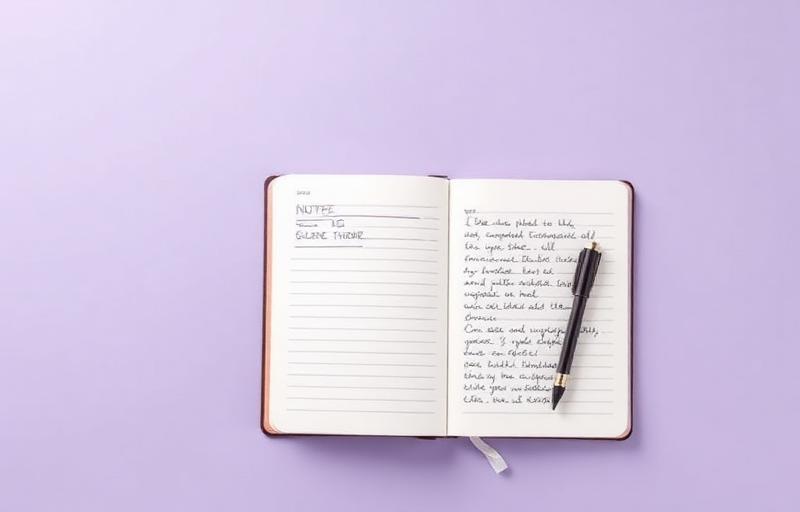
Handwritten notes are notoriously hard for machines to read. Here is how to get the cleanest results possible.

Your phone can act as a portable scanner. With a few small adjustments, you can capture documents that OCR can read perfectly.

OCR sounds like magic, but it is the result of decades of research now combined with neural networks.

Reading text in multiple languages requires more than just translation. Here is what good multi-language OCR looks like.

Small workflow changes add up. Here are five ways to use OCR to reclaim time in your week.

Documents often contain sensitive information. A few simple habits keep your OCR workflow safe.
Everything you need to know before getting started.