How to Extract Text from Handwritten Notes Accurately
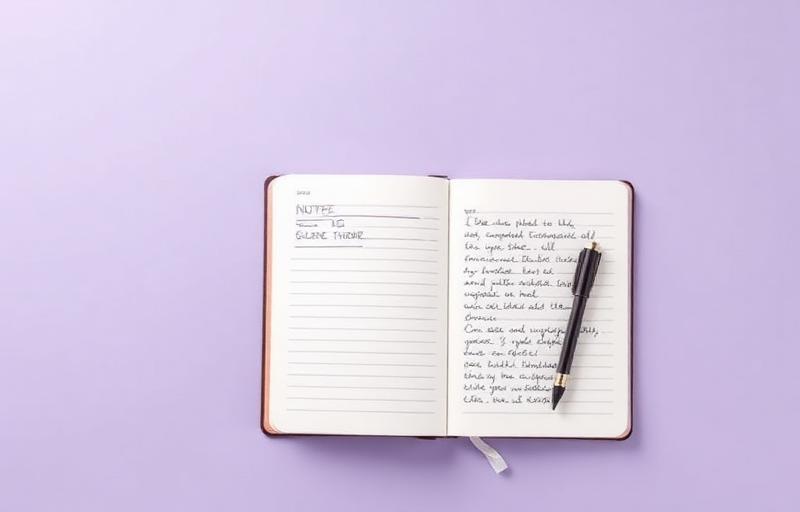
Handwriting recognition has come a long way, but it still depends heavily on how the original image is captured. Even the best AI model will struggle with a blurry photo or poor lighting. The good news is that a few small habits can dramatically improve your results.
Start With a Clear Photo
Before you upload, take a moment to inspect the image. Is it sharp? Is the page evenly lit? Avoid shadows from your hand or phone, and try to keep the camera parallel to the page. If your phone supports a document scanning mode, use it.
Pre-process the Image
Most OCR tools work better on high-contrast, clean images. Increase contrast slightly, crop tightly to the writing area, and rotate the image so the lines are horizontal. These simple edits often double accuracy on cursive text.
Things to Avoid
Avoid coloured backgrounds, busy patterns, and overlapping text. If you are scanning a notebook with ruled lines, that is fine, but try to keep the writing inside the lines so the model can separate words clearly.
Review and Edit the Output
Even with great input, expect to review the output. Treat OCR as a strong first draft, not a final transcript. A quick read through usually catches the few words the model misread.
Try the OCR tool
Put what you just read into practice — extract text from any image in seconds.
Open the tool